
How to Download & Play the My Telenor Quiz
Follow these simple step-by-step guides to install the My Telenor App and start winning free internet MBs every day.
How to Download the My Telenor App
If you want to participate in the My Telenor Quiz Today and claim free internet rewards, the first step is installing the official My Telenor App on your smartphone. The app is free for both Android and iPhone users and gives you access to your account, bundles, balance details, and the popular Test Your Skills daily quiz.
Download the My Telenor App on Android
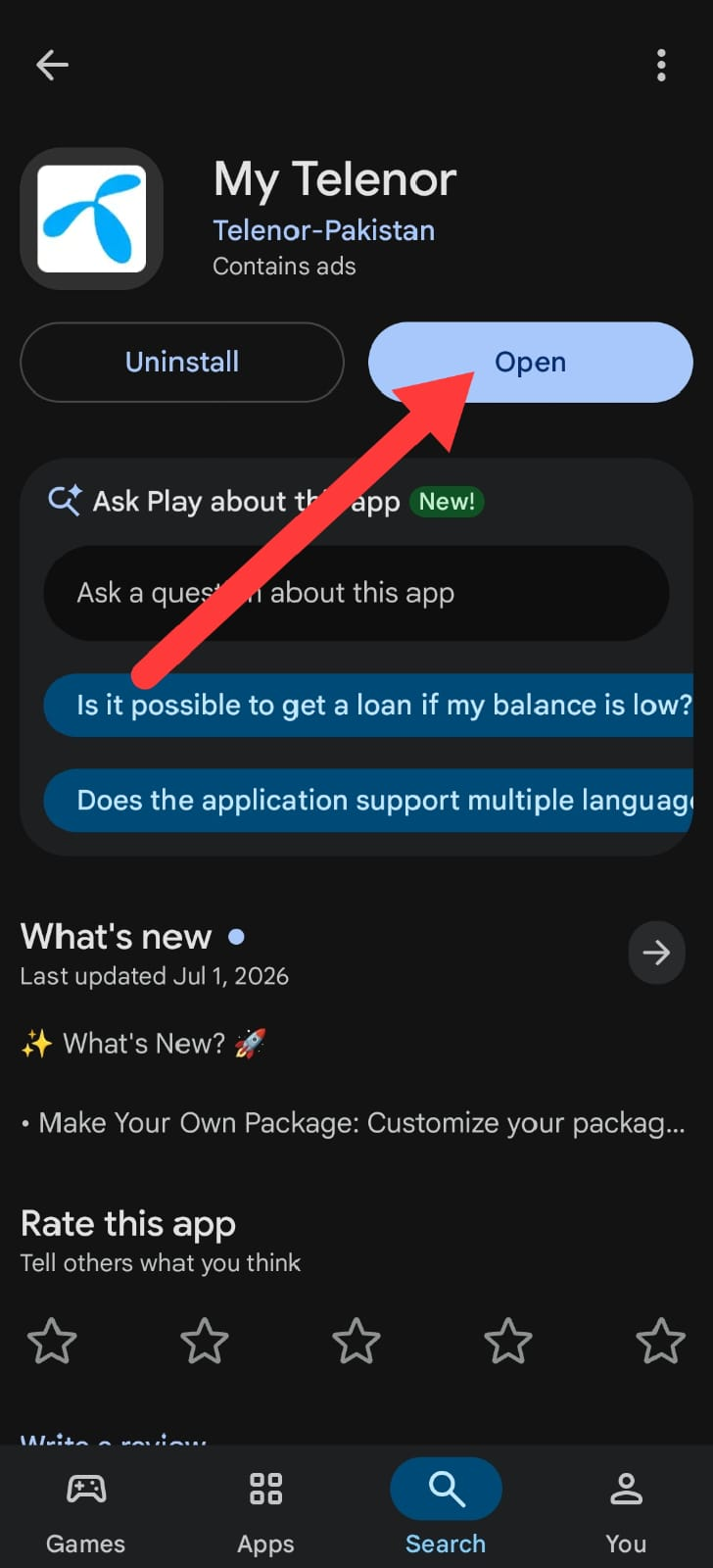
Android users can install the app directly from the Google Play Store by following these simple steps:
Unlock your Android phone and launch the Google Play Store.
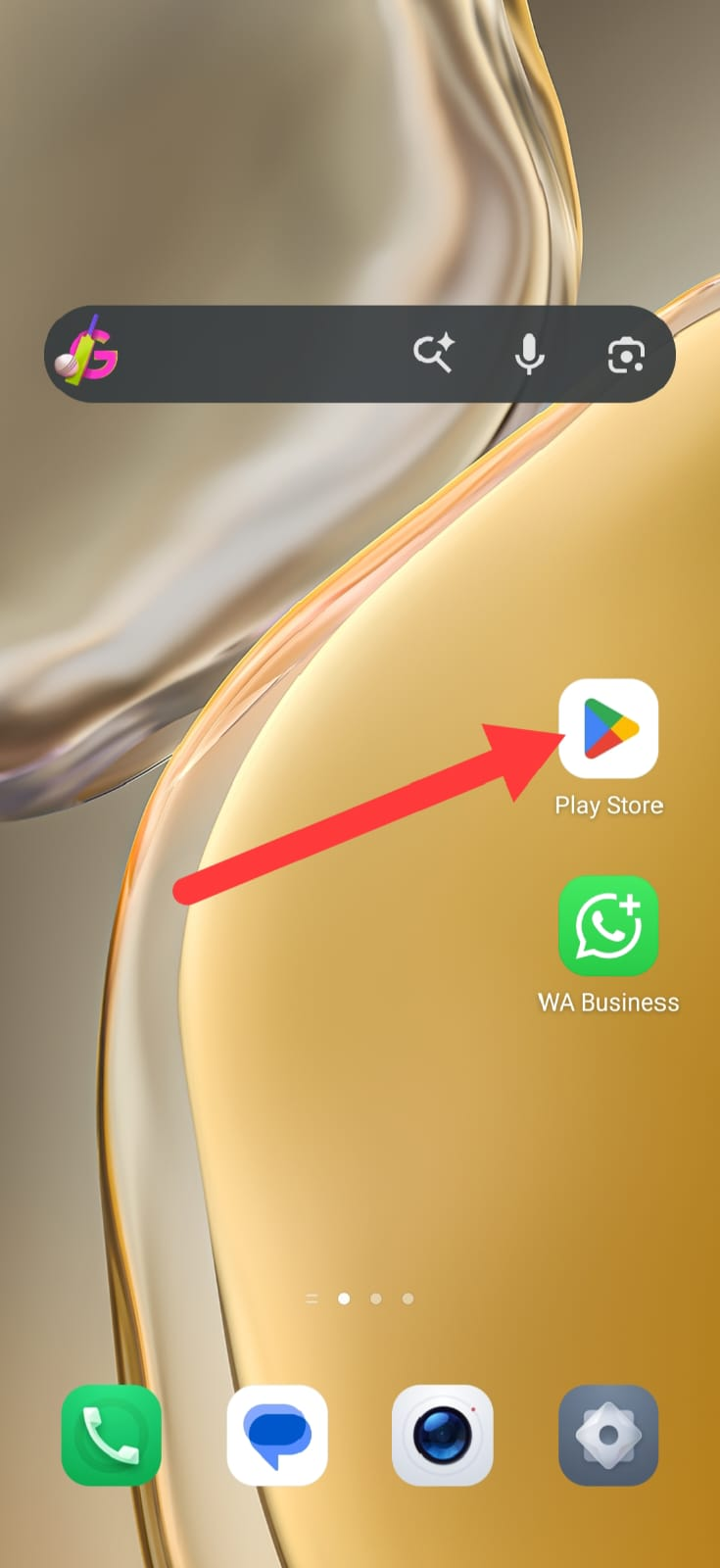
Search for “My Telenor” using the search bar.
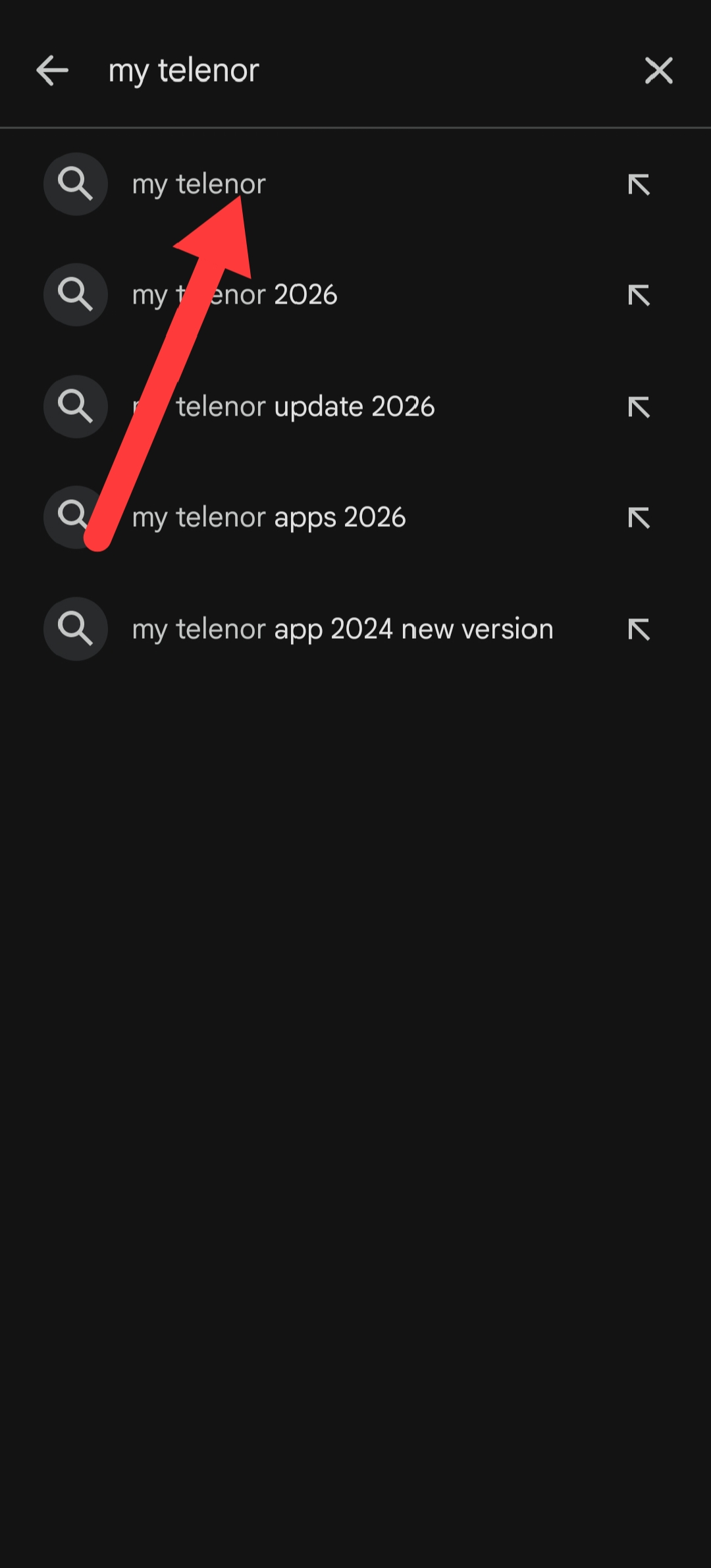
Open the official application published by Telenor Pakistan.
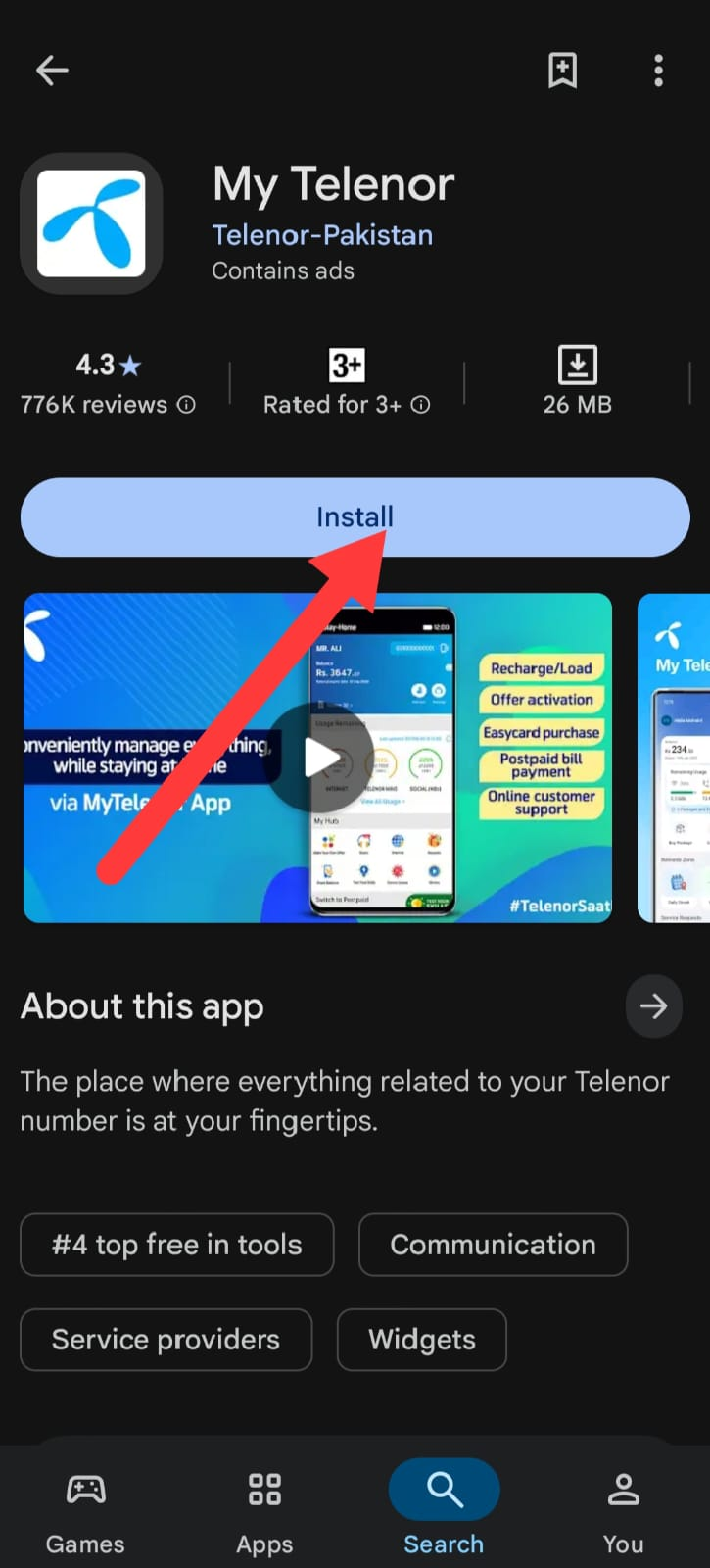
Tap the Install button and wait for the download to finish.
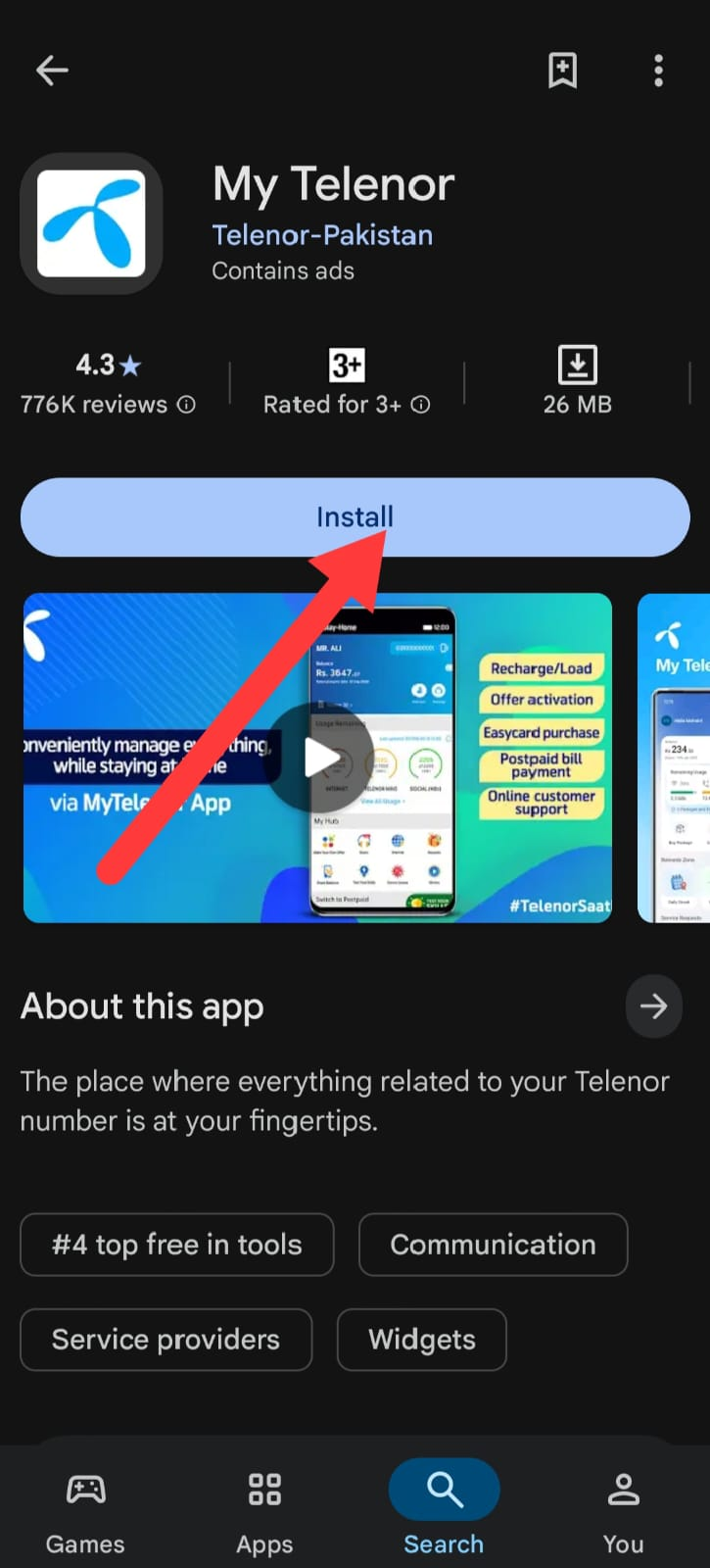
Once installation is complete, open the application.
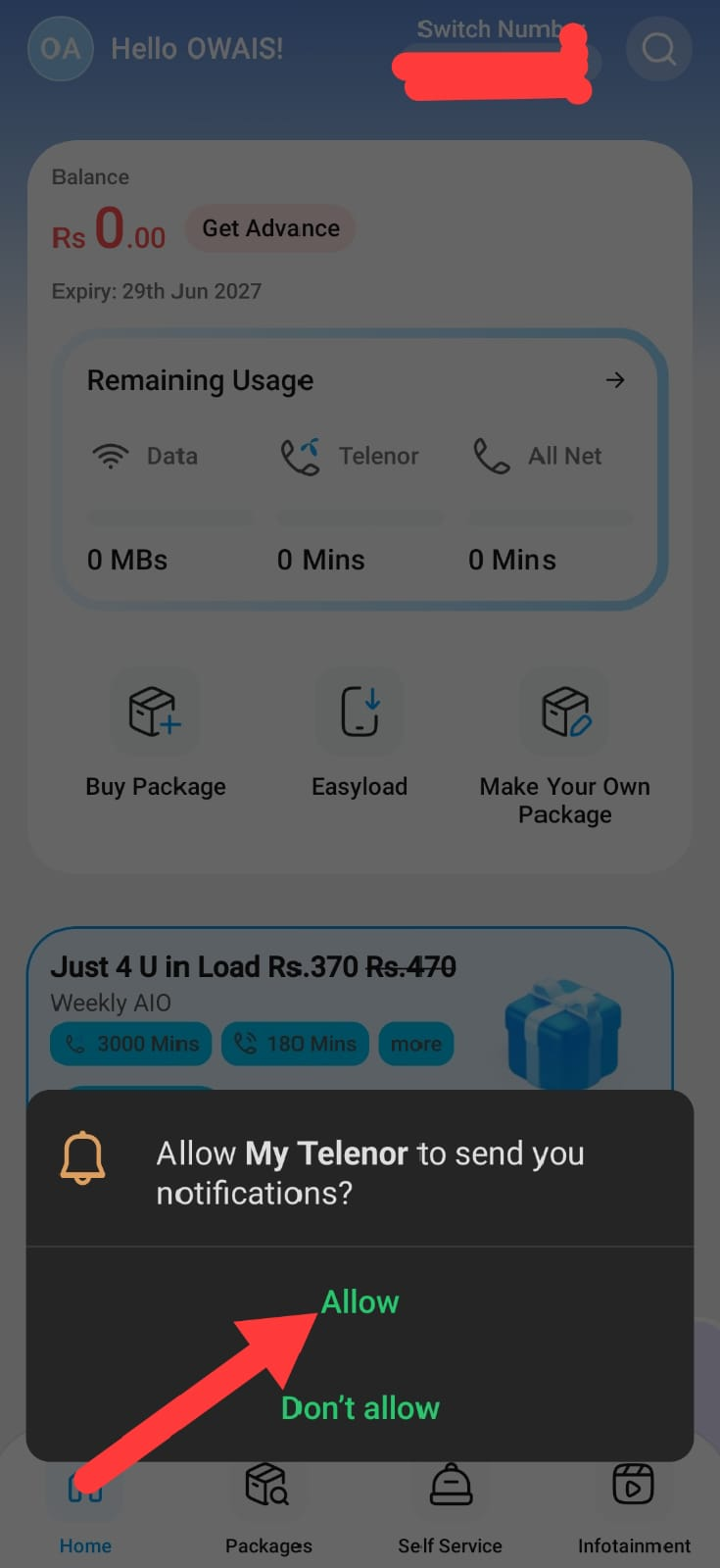
Allow the required permissions for the app to function correctly.
Insert your active Telenor SIM if it is not already in your phone.
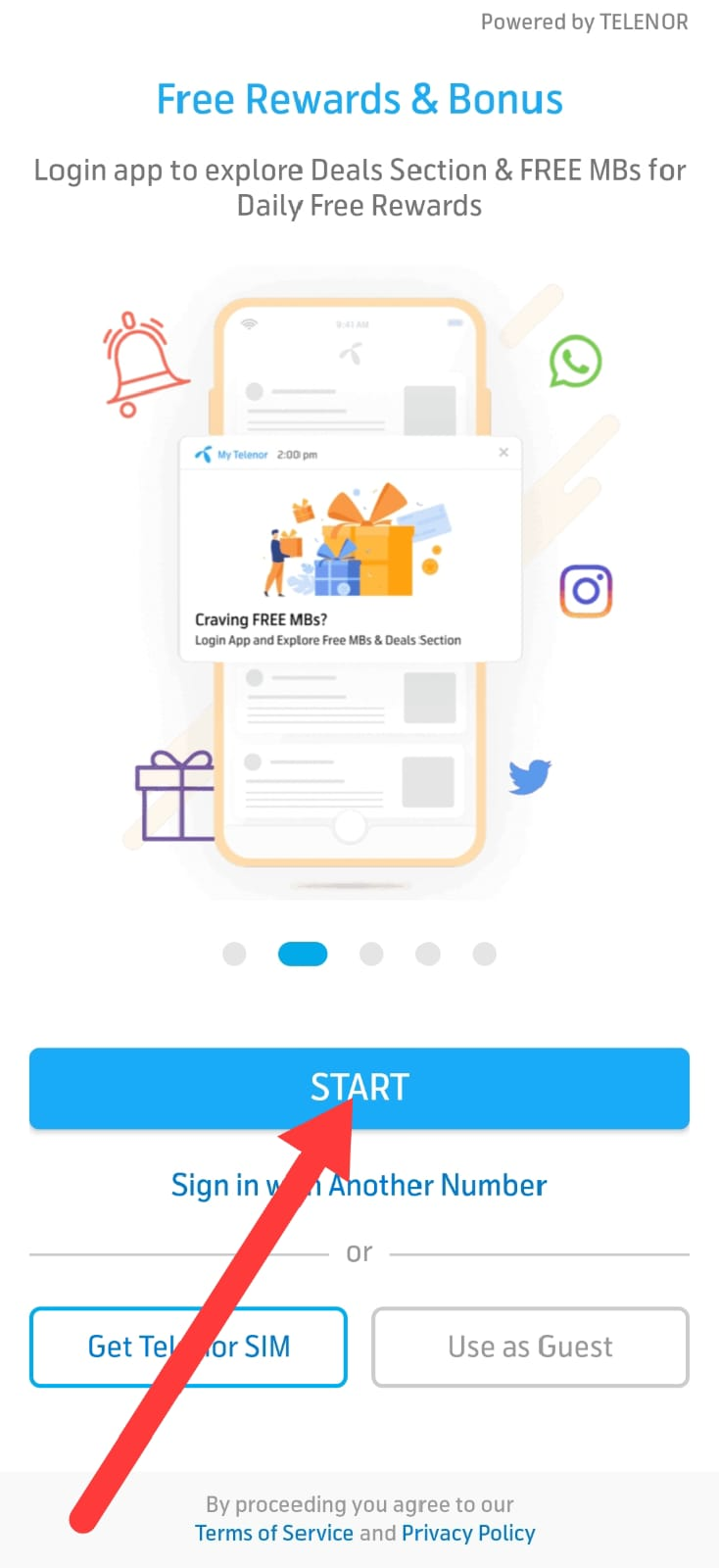
During your first login, the app automatically detects your mobile number and completes verification.
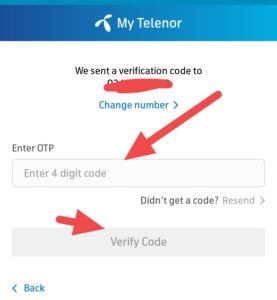
After your account is verified, you can continue using the app via Wi-Fi or mobile data.
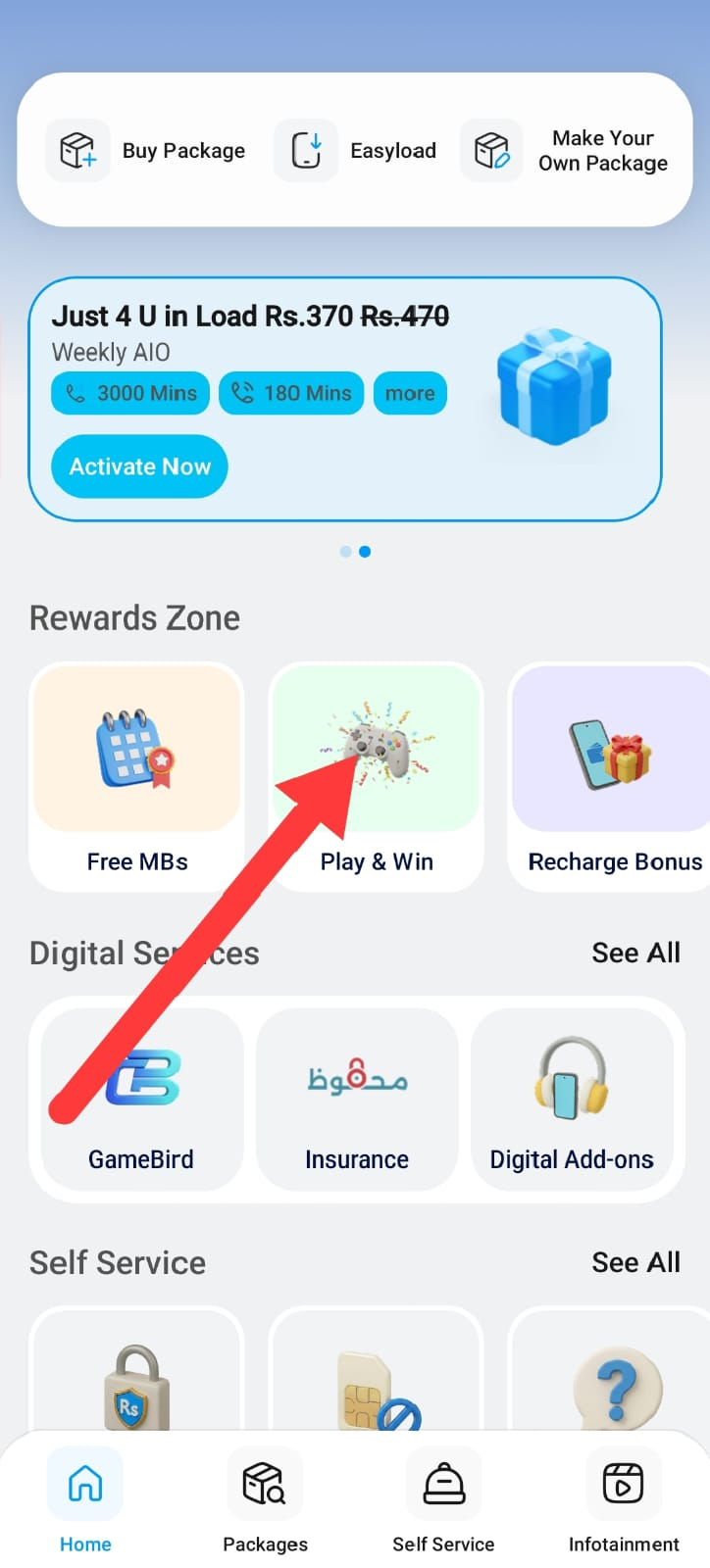
After setup is complete, you can immediately access the Play & Win section to participate in the daily Telenor quiz.
Download the My Telenor App on iPhone (iOS)
If you're using an iPhone or iPad, installing the app is just as straightforward. Follow these steps:
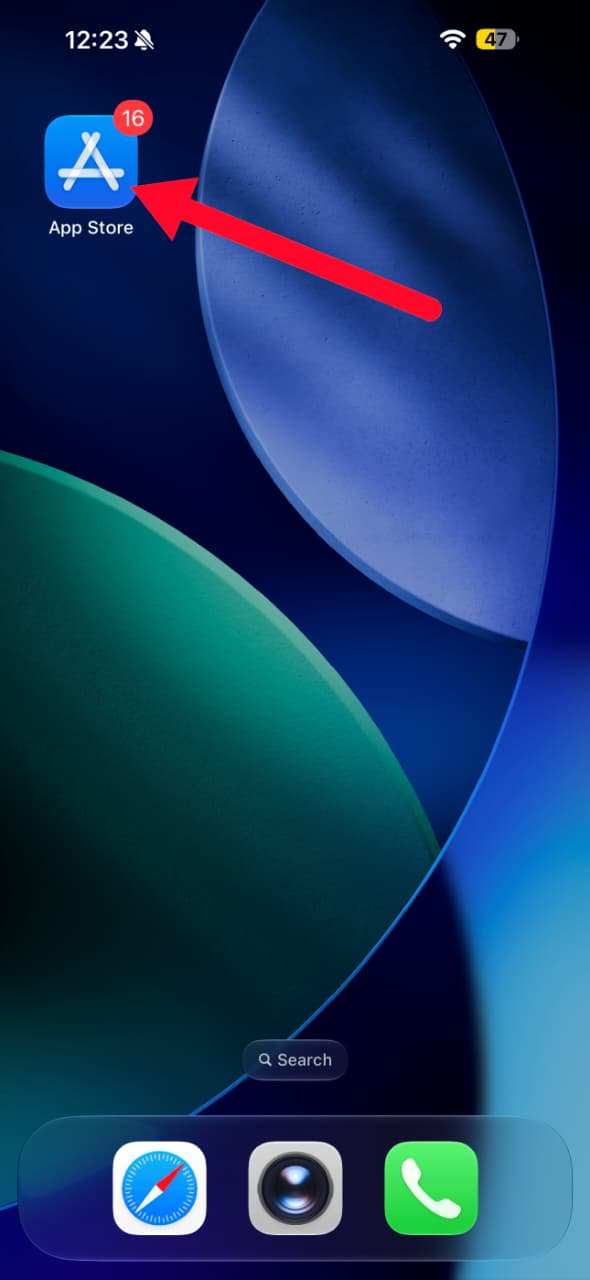
Open the Apple App Store on your device.
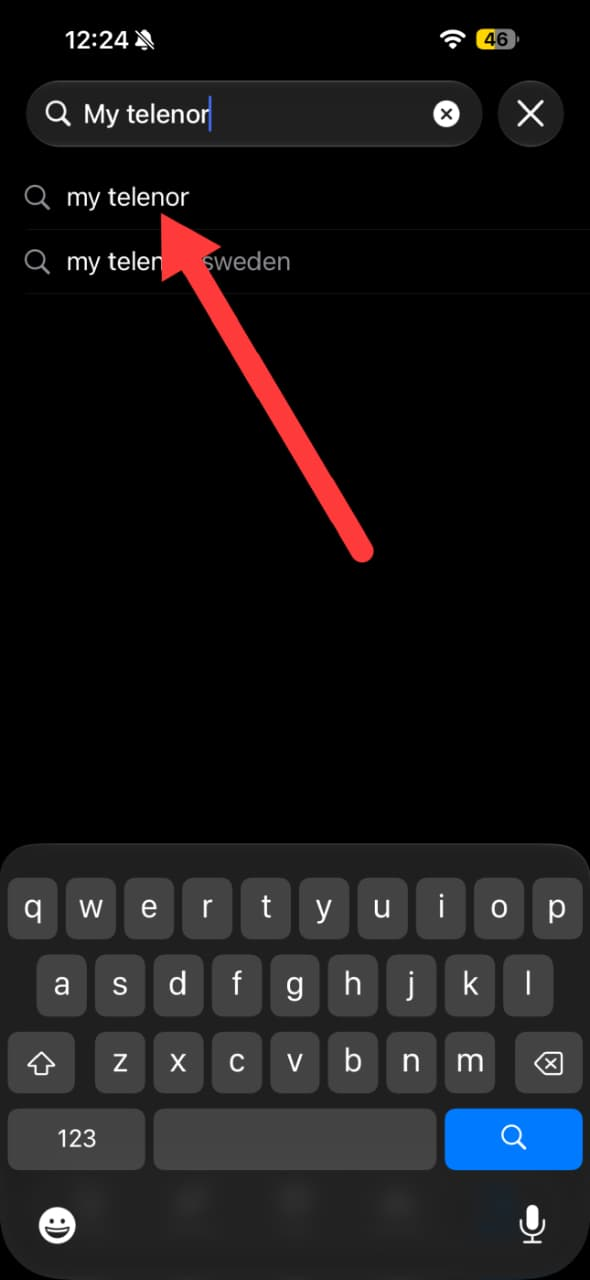
Search for “My Telenor”.
Select the official application developed by Telenor Pakistan.
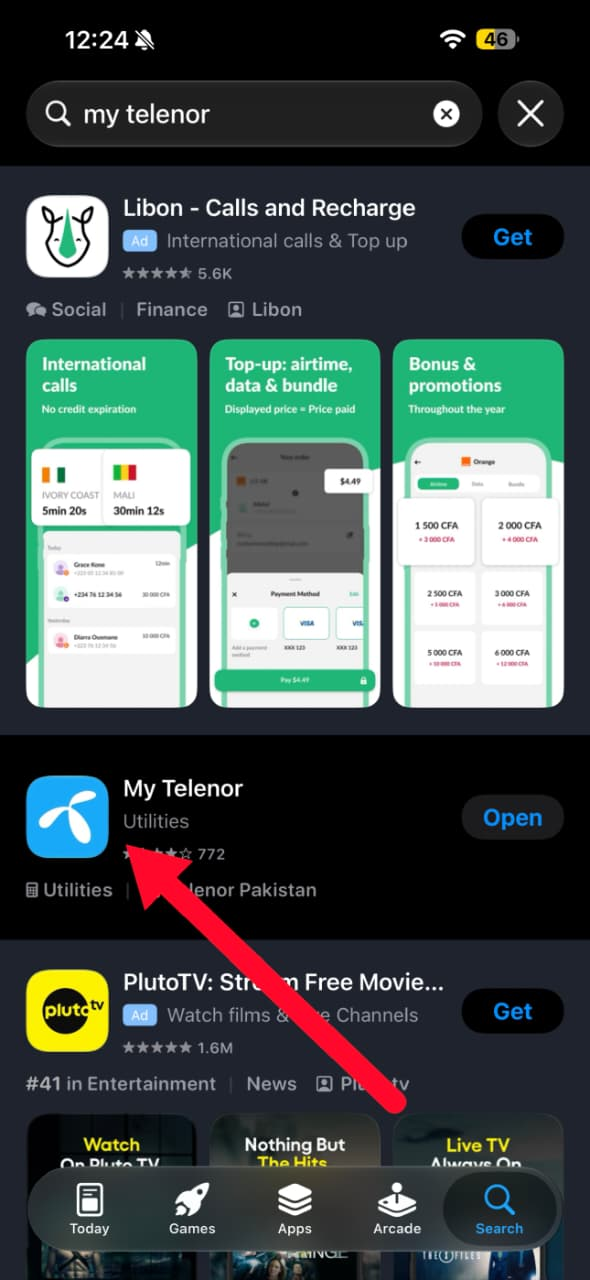
Tap Get and wait for the installation to complete.
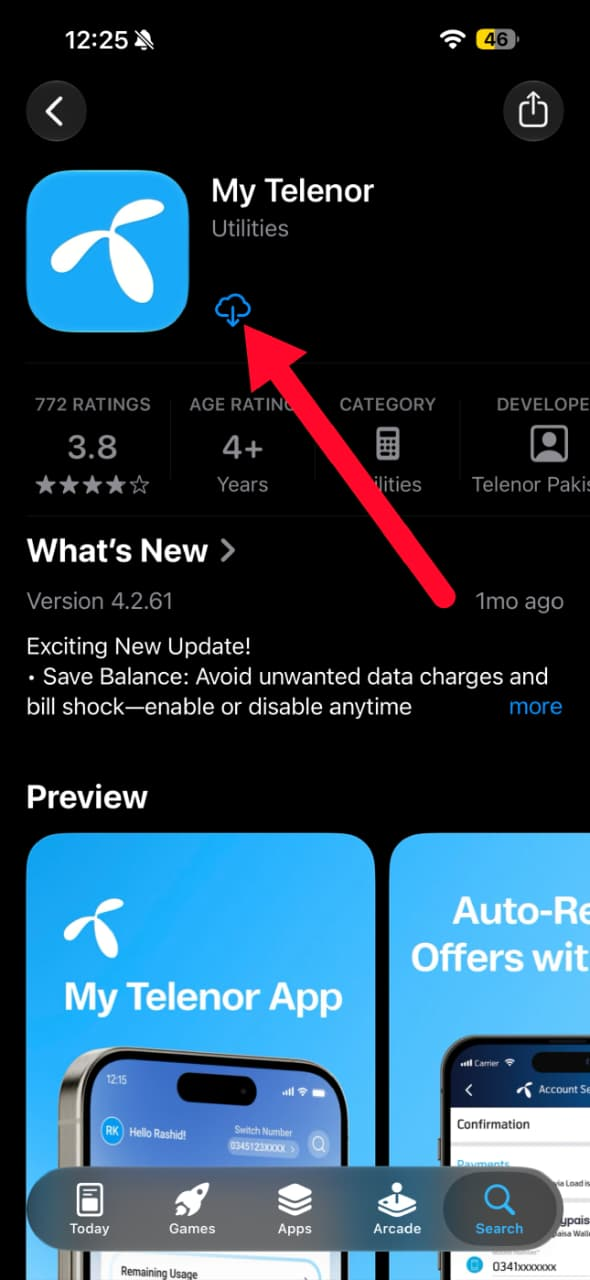
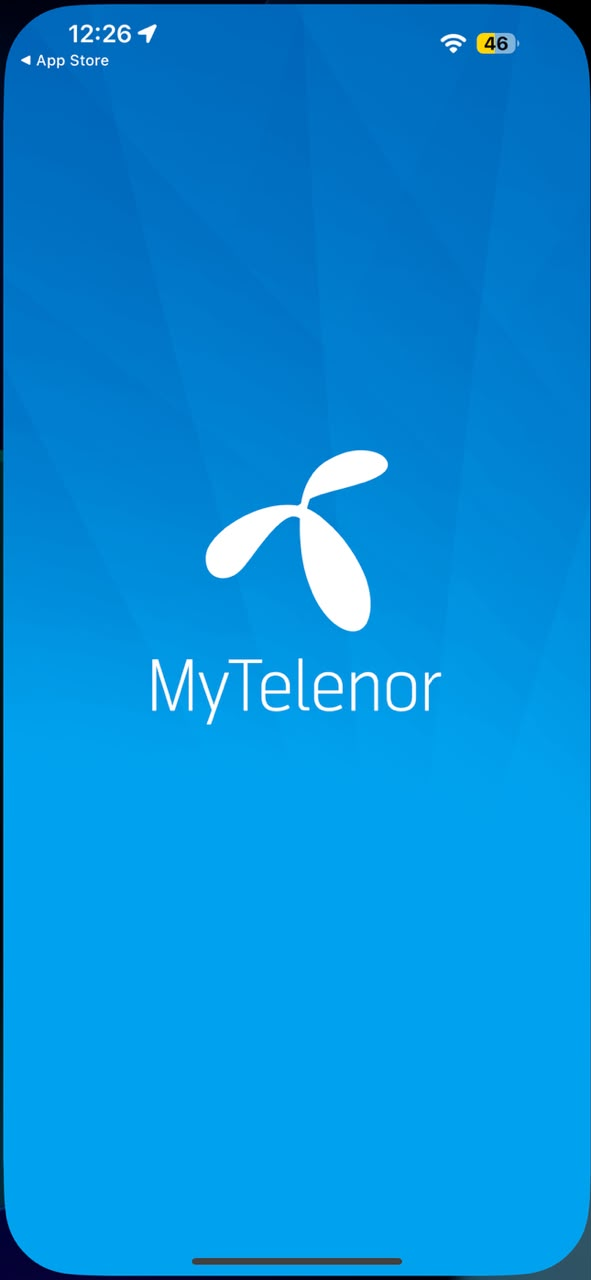
Launch the application after it has been installed.
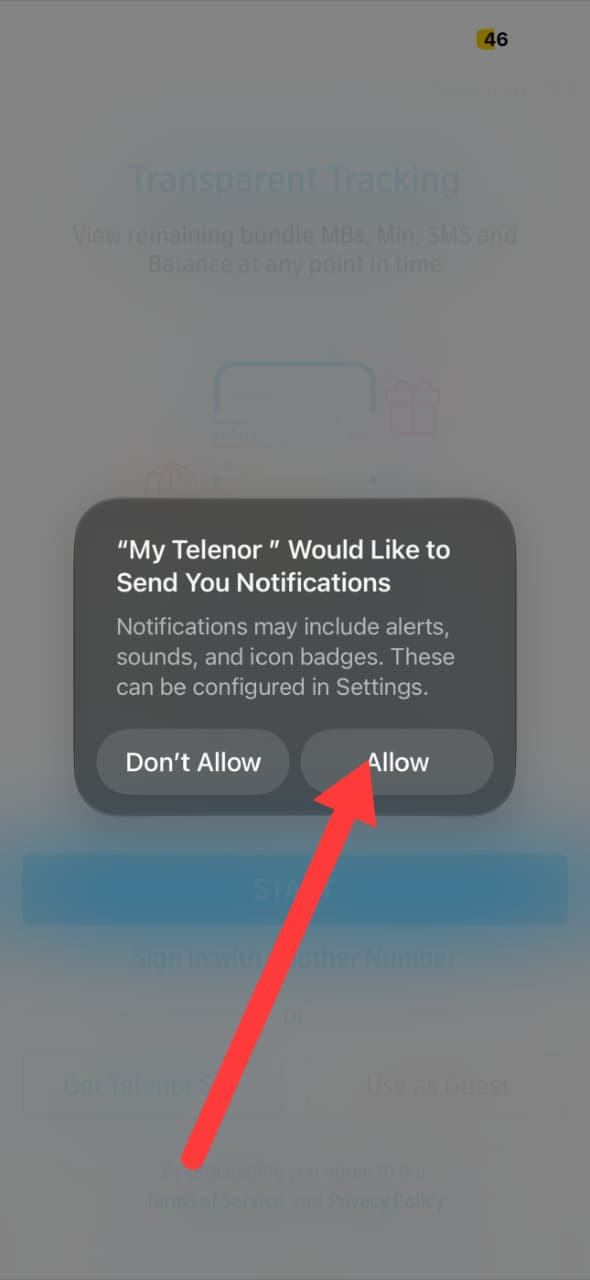
Grant the requested permissions.
Ensure your Telenor SIM is inserted and active.
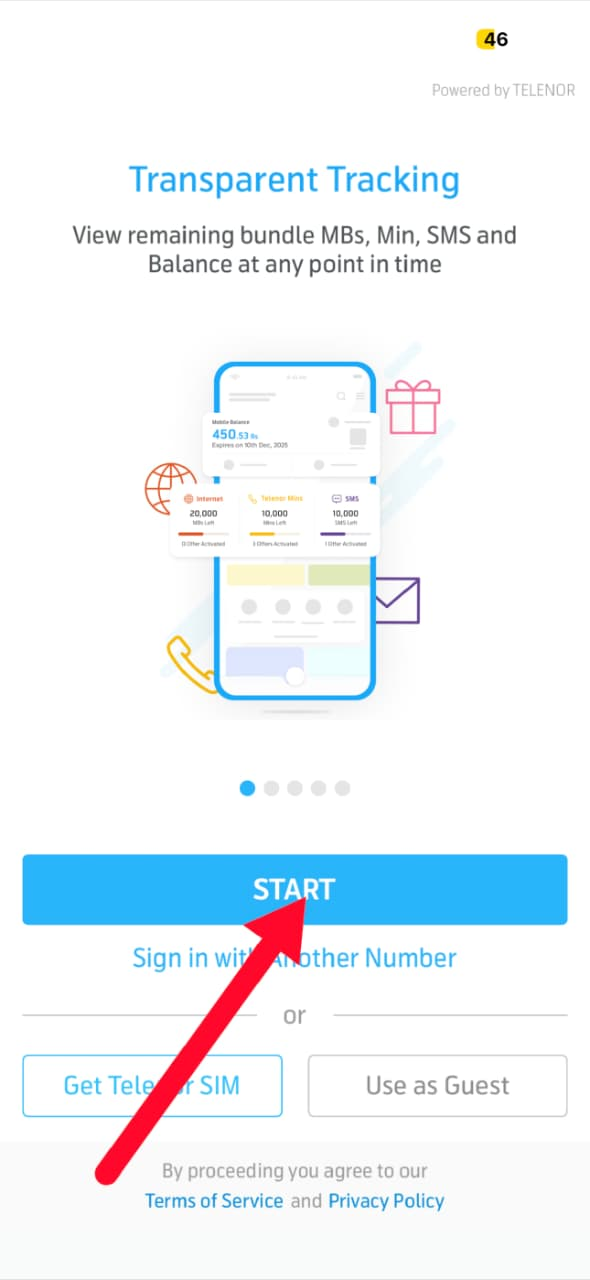
The app will automatically recognize your number and complete the login process.
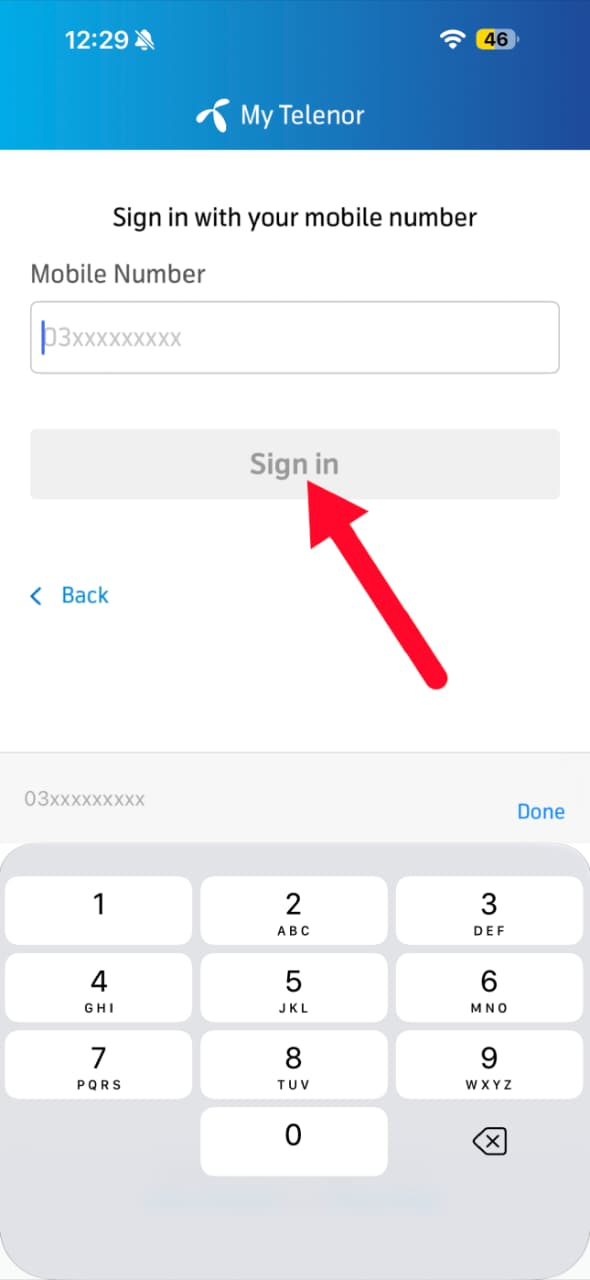
Once your account has been verified successfully, you can browse available offers, manage your account, and access the Test Your Skills section to answer the latest quiz questions.
How to Play the My Telenor Quiz Today & Win Free MBs
Playing the My Telenor Quiz Today takes only a few minutes. Every day, Telenor publishes a fresh set of five multiple-choice questions inside the Play & Win section of the app. Users who answer all questions correctly become eligible to receive free internet rewards, depending on the current promotional offer. If you haven't installed the app yet, start with our How to Download the My Telenor App guide first.
Step 1 – Open the My Telenor App
Launch the My Telenor app on your smartphone.
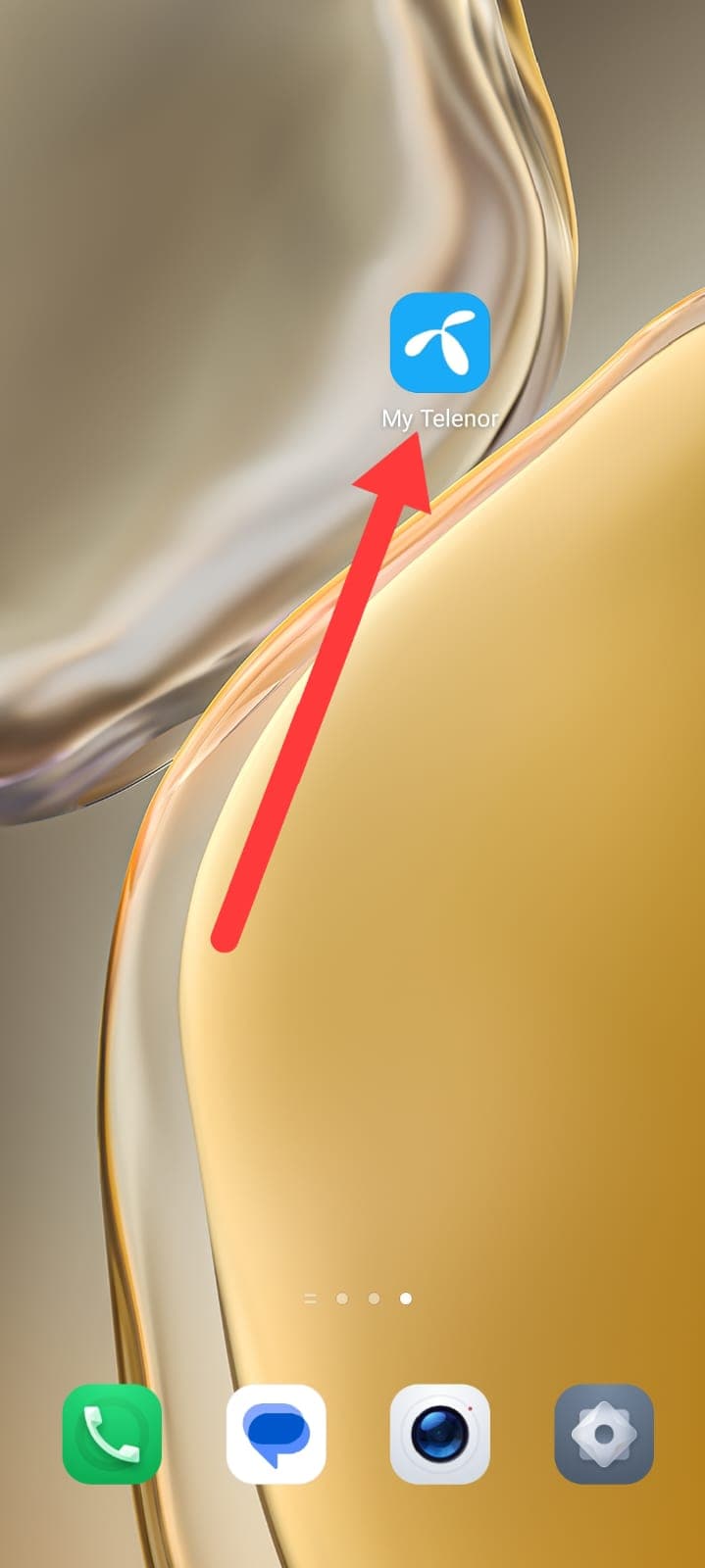
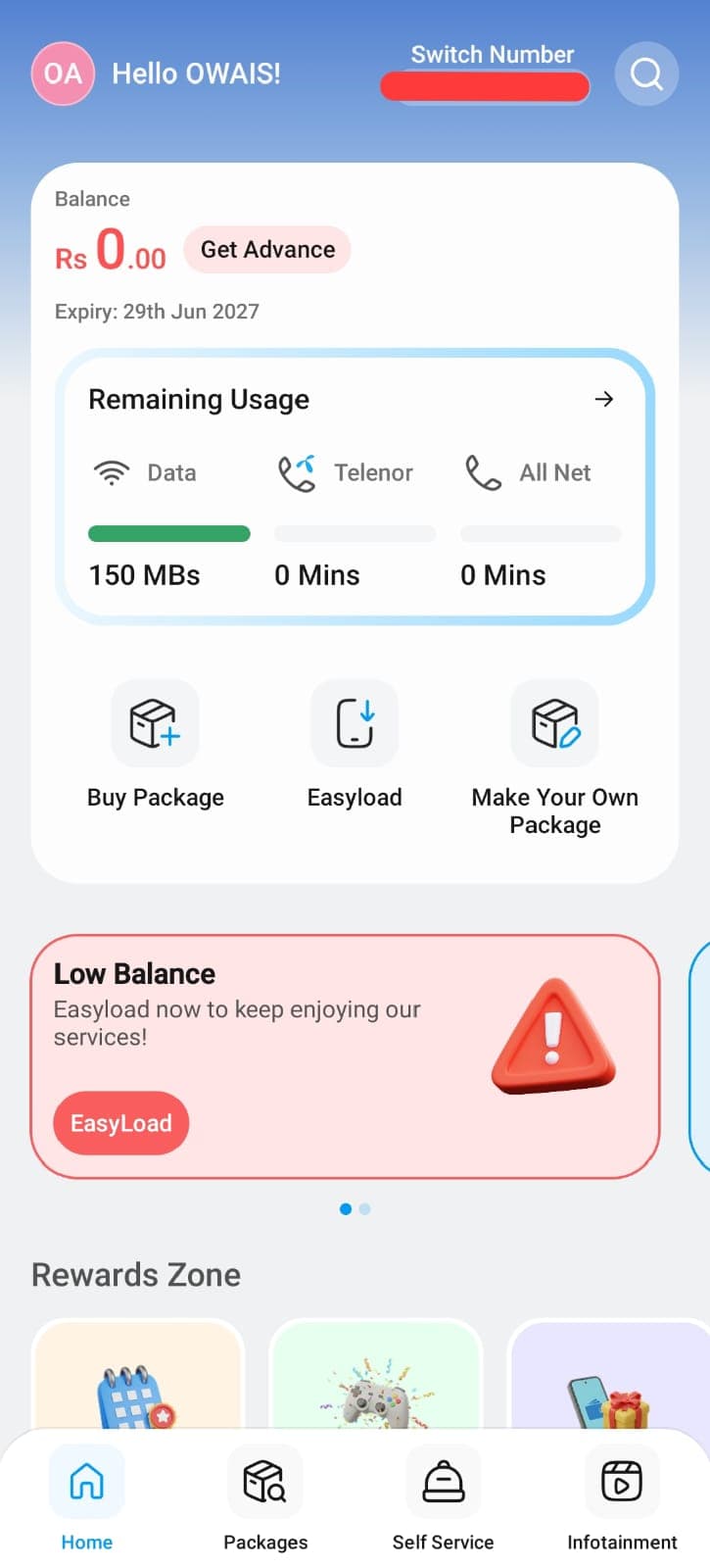
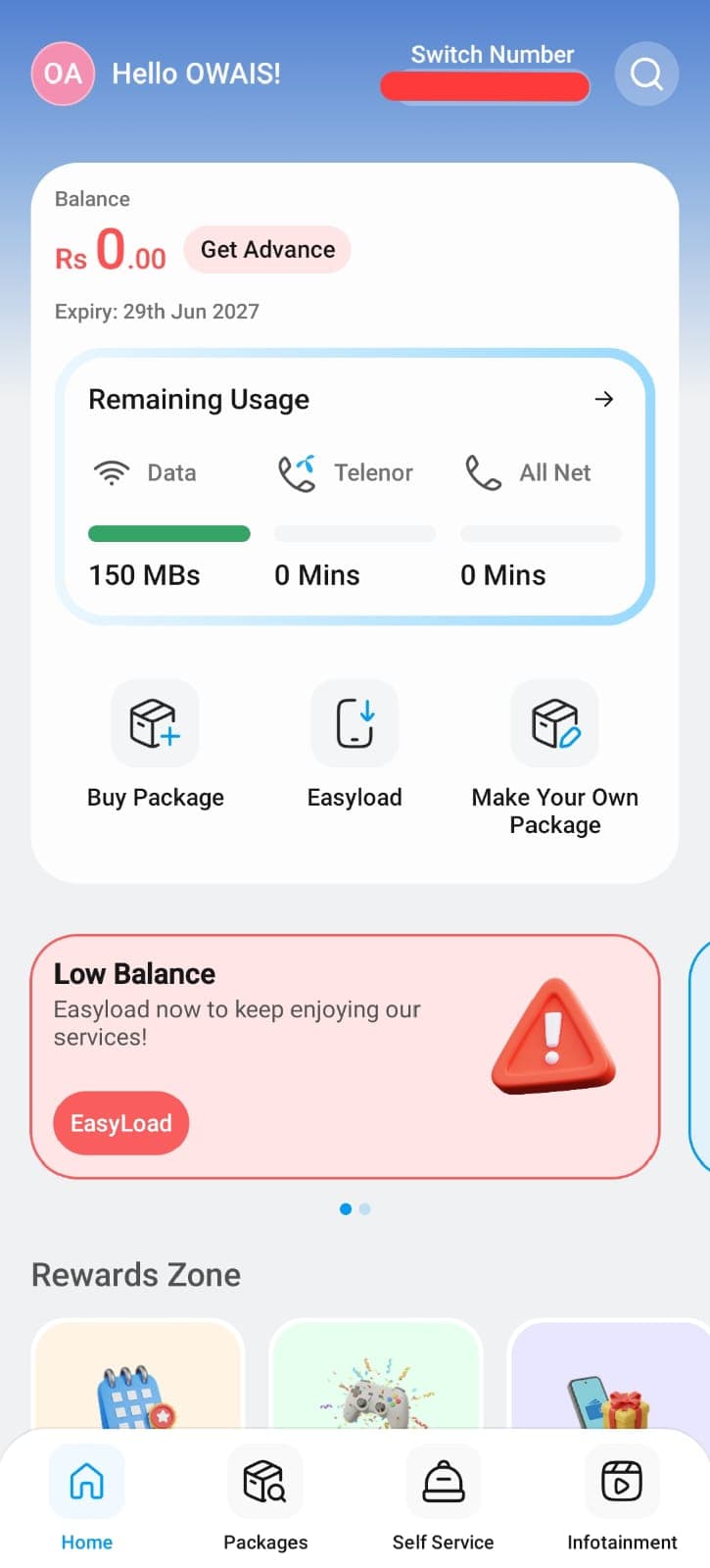
On the home screen, you'll see your account info: remaining balance, internet data, call minutes, and SMS details.
Look for the floating Play & Win button in the bottom-right corner and tap it to continue.
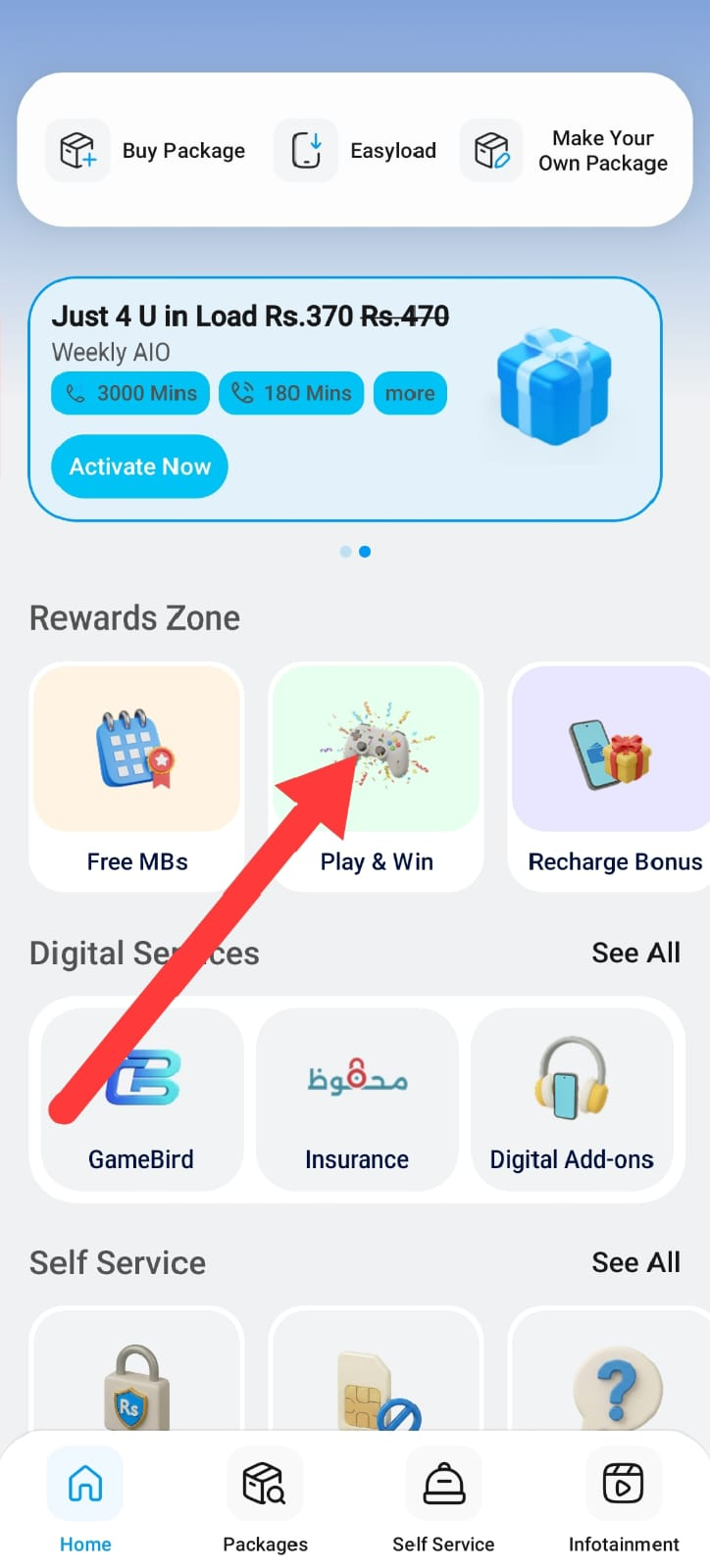
Step 2 – Answer All Quiz Questions
After entering Test Your Skills, today's quiz will appear (five multiple-choice questions).
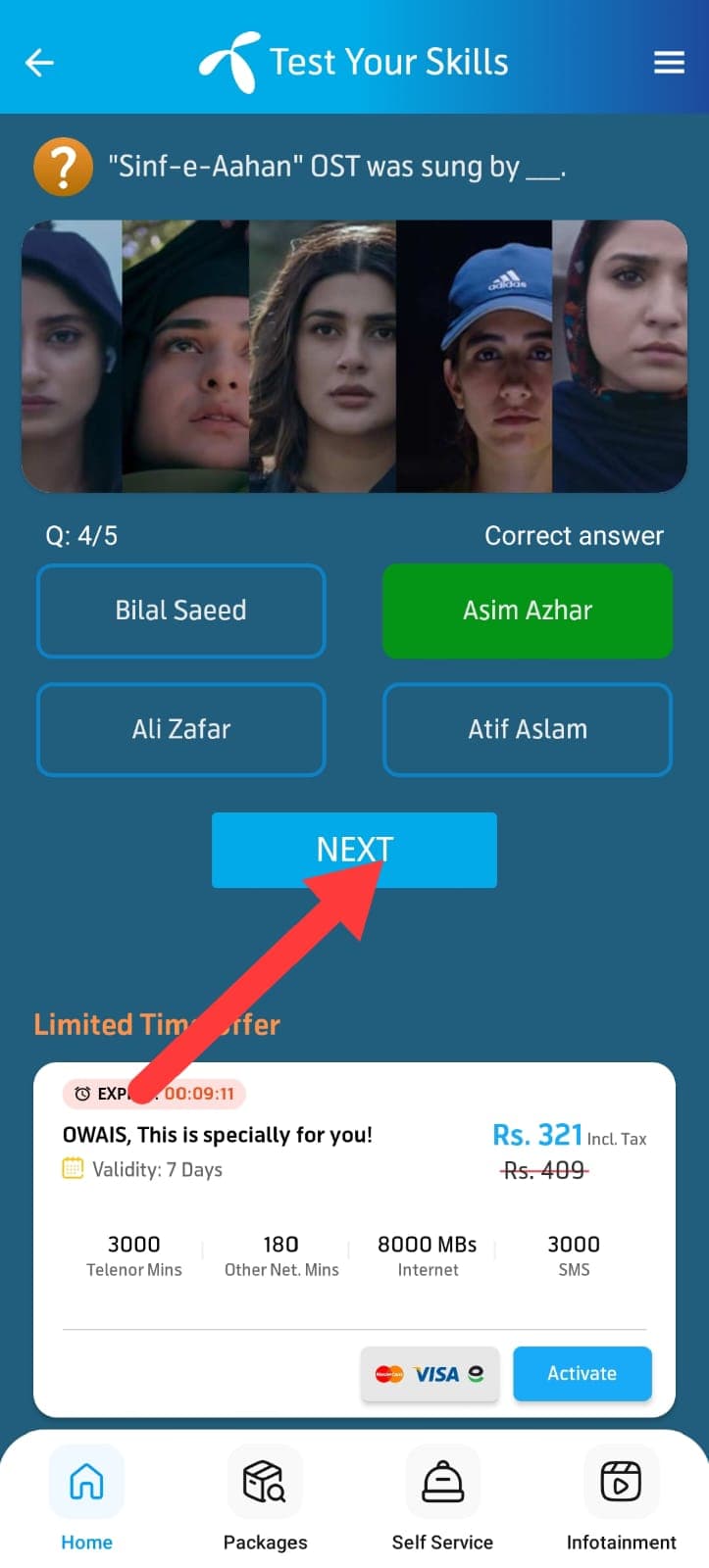
Read every question carefully, choose your answer, and tap Next to move on.
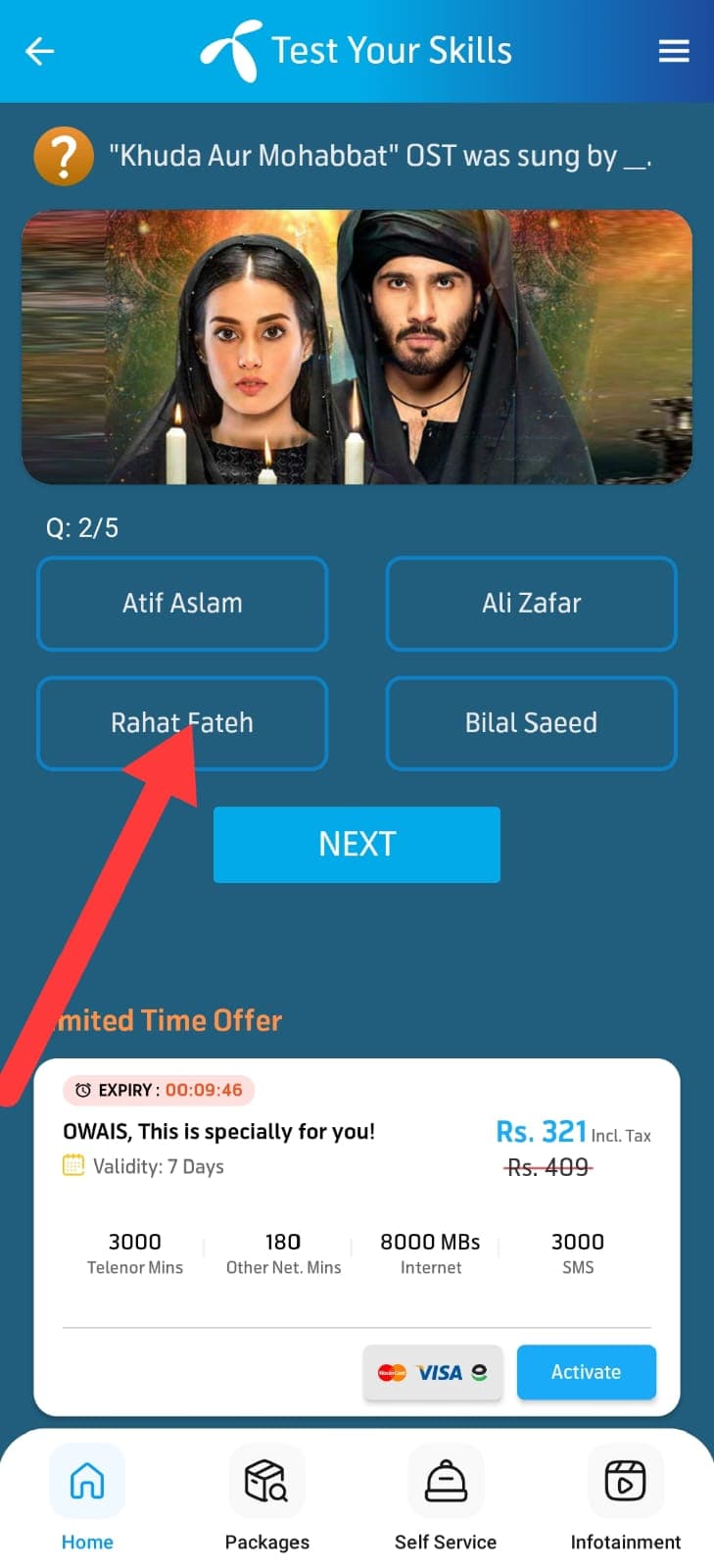
Repeat until all five questions are answered.
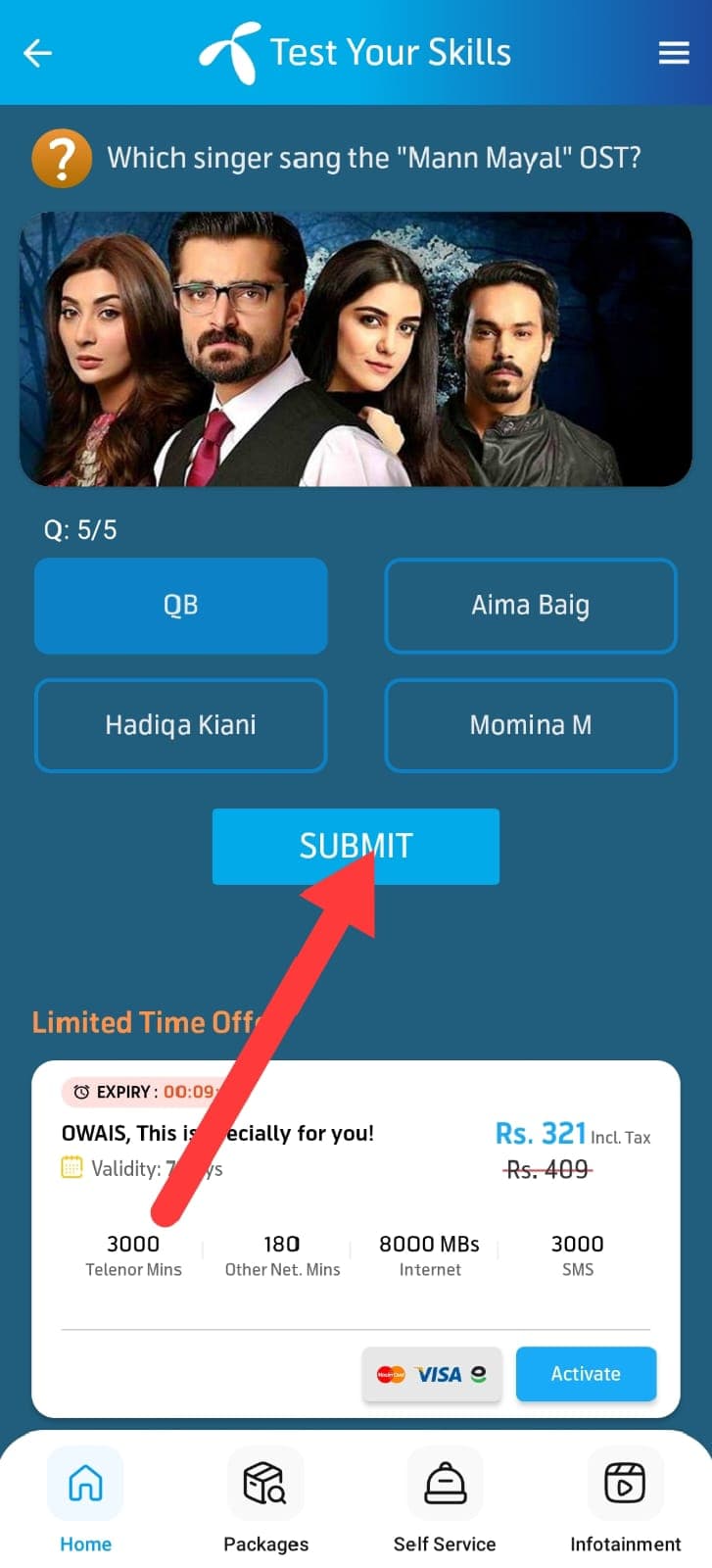
Step 3 – Claim Your Reward
Once you finish the last question, the app checks your answers.
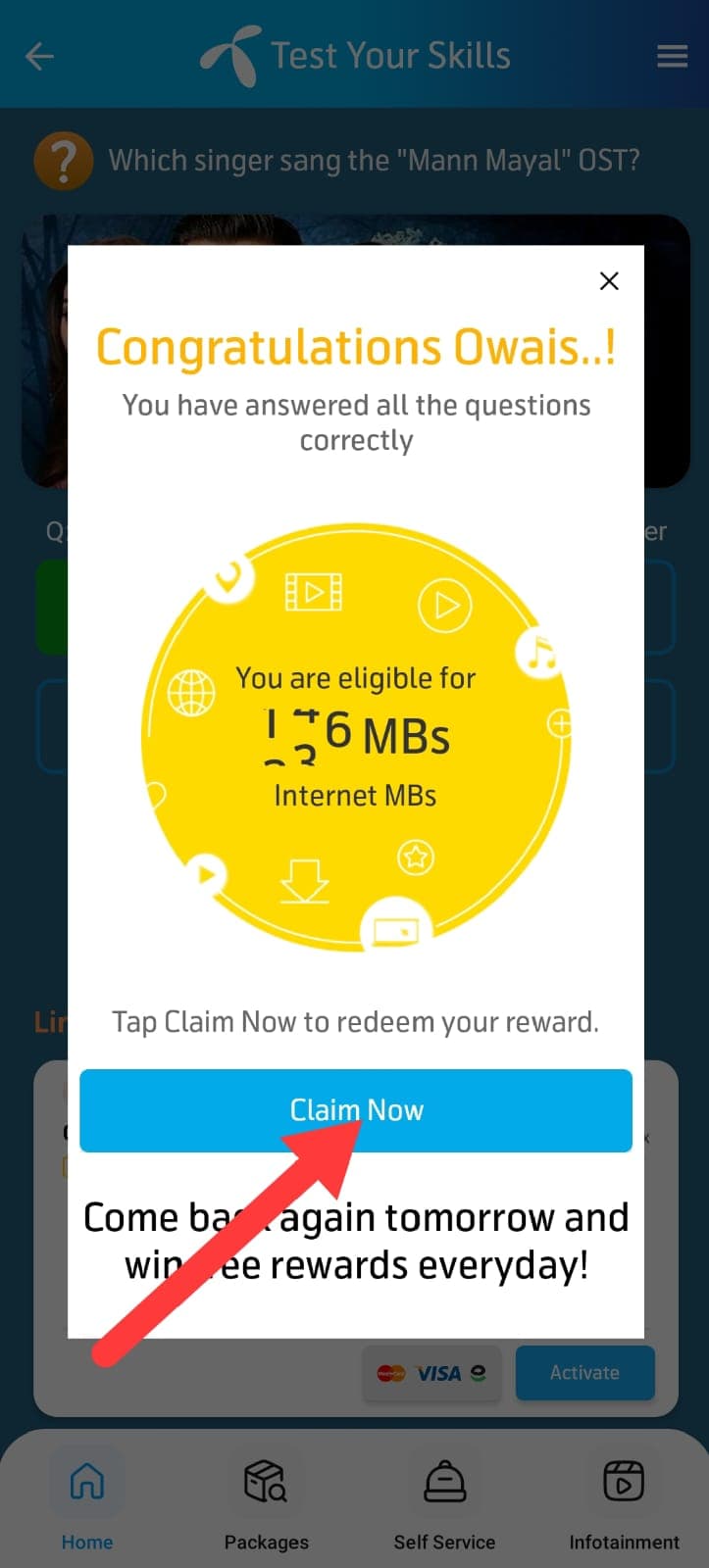
If all answers are correct and you meet eligibility requirements, you'll get a confirmation message.
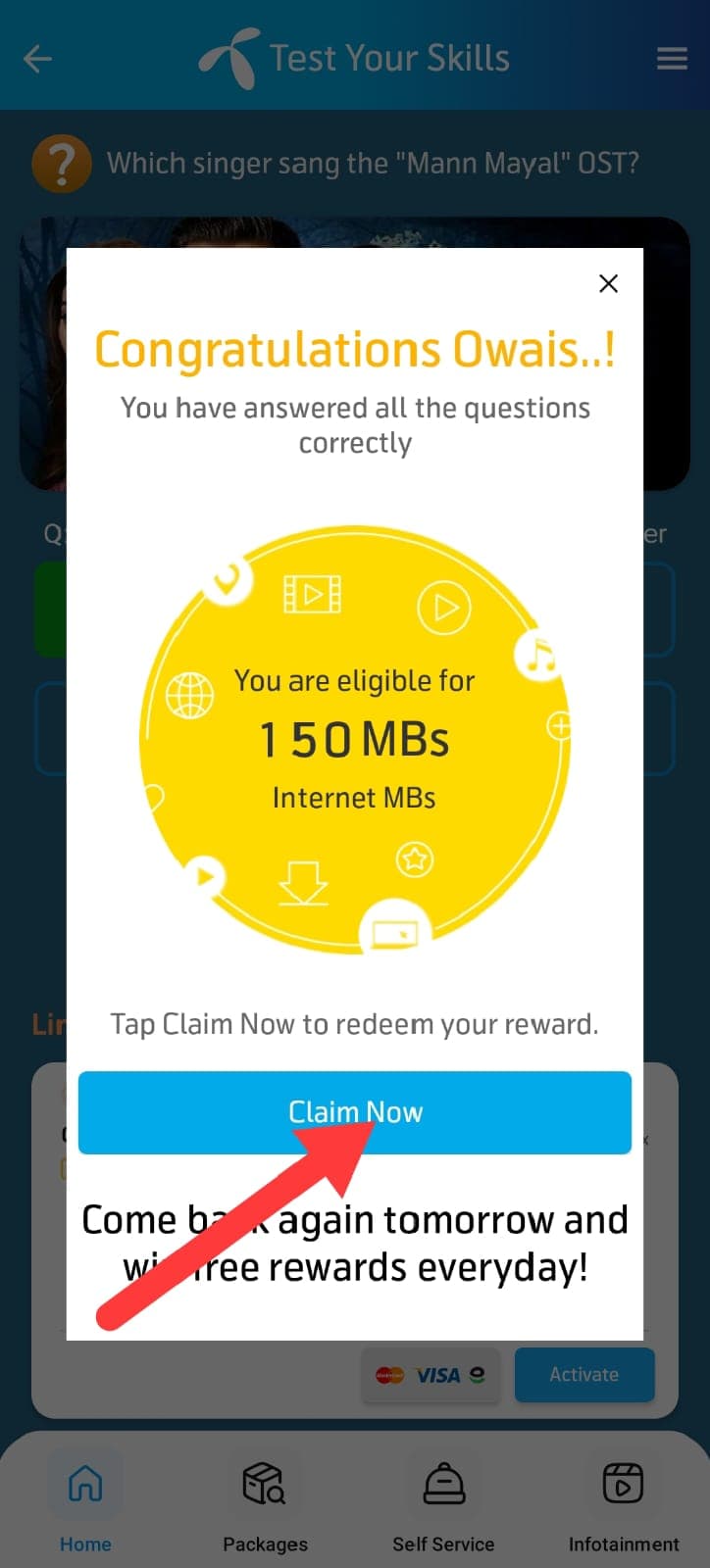
Tap Claim Now to receive your free internet MBs.
Your bonus data usually appears within a few minutes — verify it by checking your remaining balance inside the app.
Important:
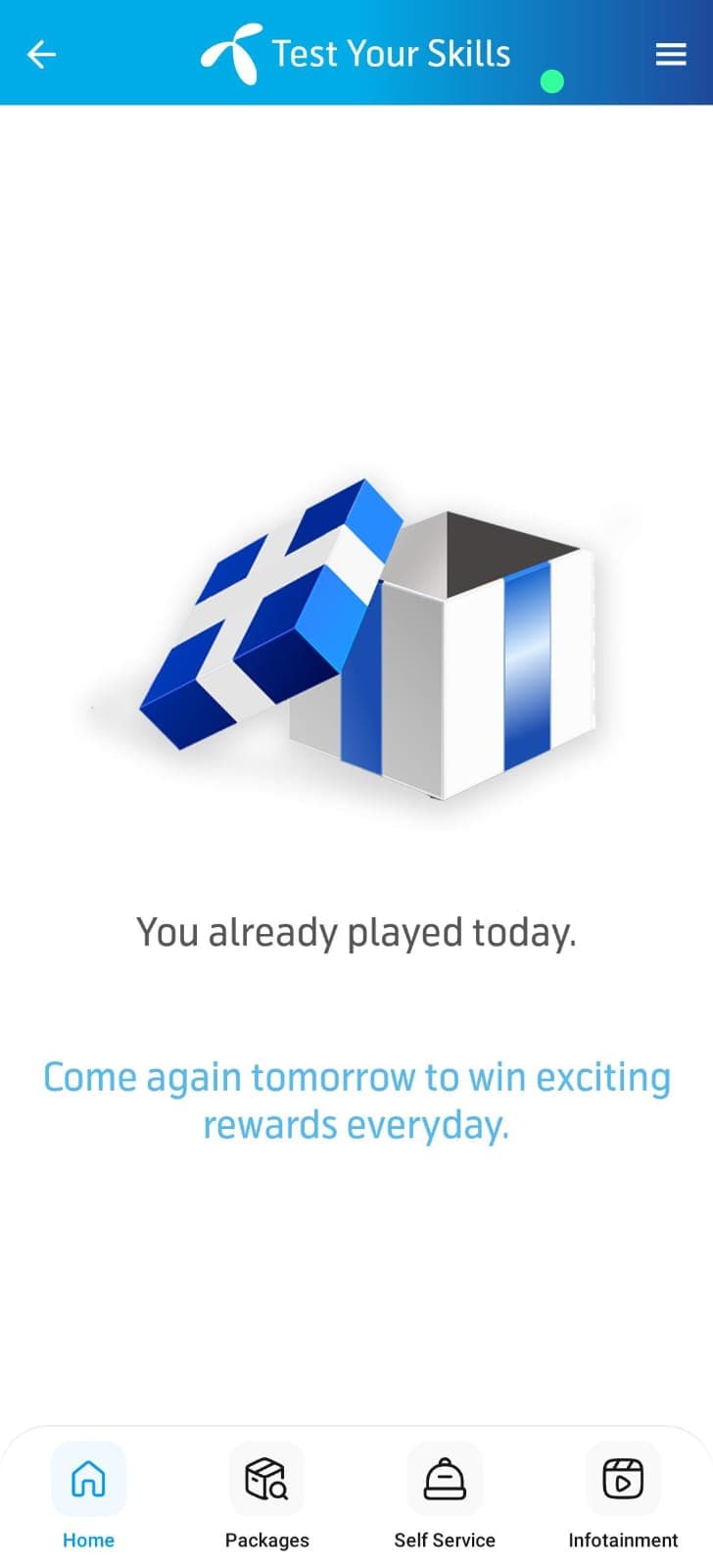
The daily quiz refreshes every 24 hours (at 12:00 AM PKT). You can participate once per day, so come back after midnight for the new set of questions and to check today's verified answers.
Ready to Answer Today's Quiz?
Get today's verified Telenor Quiz answers and win free internet MBs instantly.
📅 View Today's Quiz Answers